

X.com
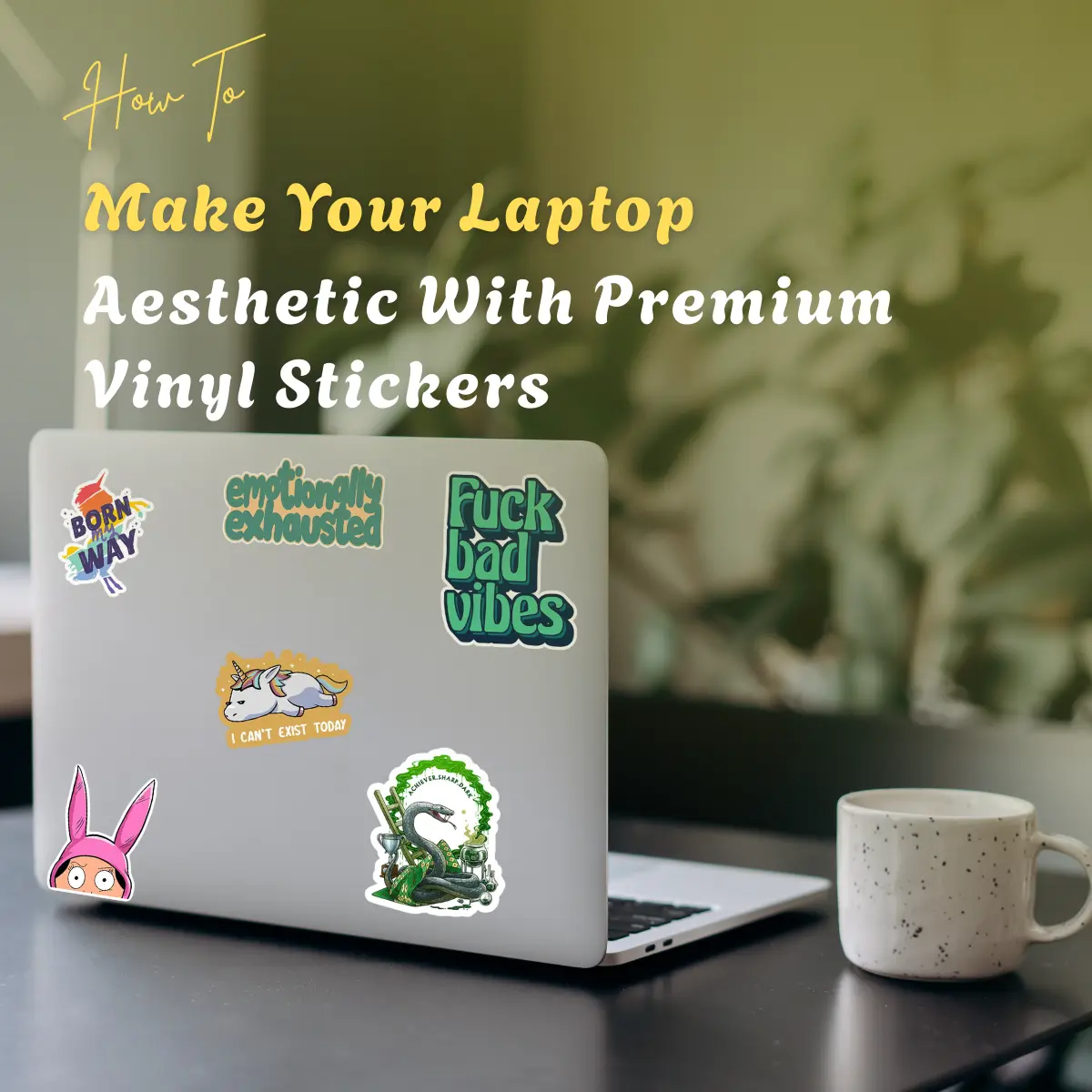
Your laptop is more than just a tool for schoolwork, Netflix binges, and doom-scrolling. It’s a statement piece. A conversation starter. A reflection of your personality that follows you everywhere from coffee shops to lecture halls to your WFH setup.
The best part? Creating that perfect laptop aesthetic doesn’t require expensive tech accessories or a complete device upgrade. Premium vinyl stickers are the secret weapon for turning a boring, standard-issue laptop into something that feels like yours.
Here’s everything you need to know about making your laptop aesthetic-worthy with quality vinyl stickers.
Why Are Premium Vinyl Stickers Worth It?
Not all stickers are created equal. You’ve probably seen those cheap paper stickers that start peeling after a week or leave gross residue when you try to remove them. Premium vinyl stickers are different, and here’s why they matter:
Durability that lasts. Quality vinyl stickers can handle daily wear and tears. They resist water, scratches, and fading, which means your aesthetic stays fresh for months or even years.
Clean removal. When you’re ready for a change (because your vibe will evolve), premium vinyl peels off cleanly without damaging your laptop’s surface or leaving sticky residue behind.
Professional finish. The difference between cheap and quality stickers is obvious. Premium vinyl has better color saturation, sharper details, and a smoother application that looks intentional rather than haphazard.
Weather resistant. Spilled coffee? Light rain in your bag? Premium vinyl handles it without bubbling or disintegrating.
Popular Laptop Aesthetic Styles
Before you start sticking, figure out what vibe you’re going for. Your aesthetic choice will guide which stickers you pick and how you arrange them.
Minimalist Monochrome
Clean, simple, and sophisticated. This aesthetic uses black and white designs with plenty of negative space. Think line art, simple typography, small logos, and geometric shapes. Place stickers strategically rather than covering every inch of surface area.
Best sticker types: Abstract shapes, brand logos in black/white, minimal line drawings, simple text quotes
Cottagecore & Nature
Soft, whimsical, and outdoorsy. This aesthetic brings forest vibes to your tech with mushrooms, flowers, plants, bees, and earthy tones. Perfect if you’re into sustainability, gardening, or just wish you lived in a cozy cabin.
Best sticker types: Botanical illustrations, vintage floral designs, forest animals, moon phases, celestial elements
Dark Academia
Moody, intellectual, and gothic. Think vintage books, classical art, dark colors, old libraries, and romantic poetry vibes. This aesthetic pairs well with burgundy, forest green, and cream tones.
Best sticker types: Vintage book covers, classical paintings, old maps, Latin phrases, antique scientific illustrations
Y2K & Retro
Nostalgic, colorful, and fun. This aesthetic pulls from late 90s and early 2000s design with bright colors, funky patterns, butterfly clips energy, and that specific type of optimistic chaos that defined the era.
Best sticker types: Holographic designs, retro tech (like old iPods or flip phones), groovy patterns, vintage ads, neon colors
Fandom & Pop Culture
Dedicated and expressive. Show off what you love, whether that’s a TV show, game, book series, artist, or movie. This works best when you commit to a theme rather than randomly mixing unrelated fandoms.
Best sticker types: Character designs, iconic quotes, symbols from your favorite media, fan art
Maximalist Chaos
More is more, and that’s the point. This aesthetic covers almost every inch of your laptop with layers of stickers in different sizes, colors, and themes. The beauty is in the organized chaos.
Best sticker types: Literally everything. Mix it all. The variety is what makes it work.
How to Apply Stickers for Maximum Aesthetic Impact?
Slapping stickers on randomly might work for some people, but if you want a cohesive look that actually feels intentional, follow these tips:
Plan Before You Stick: Lay out your stickers on your laptop without removing the backing first. Move them around until you find an arrangement you love. Take a photo so you remember the layout.
Start with Anchor Pieces: Choose 2-3 larger or more important stickers as your focal points. Place these first, then fill around them with smaller designs. This creates visual balance instead of a cluttered mess.
Create Layers: Don’t be afraid to overlap stickers slightly. This adds depth and makes the overall design feel more cohesive. Just make sure you’re not covering up important parts of designs underneath.
Consider Symmetry (Or don’t): Symmetrical placement can look clean and intentional. Asymmetrical placement can look casual and artistic. Neither is wrong, just different vibes. Pick what matches your aesthetic.
Leave the Vents Alone: This should be obvious, but don’t cover your laptop’s cooling vents. Your device needs to breathe, and blocked vents can cause overheating issues.
Clean First: Wipe down your laptop with a microfiber cloth before applying stickers. Dust and oils prevent stickers from adhering properly, which leads to peeling edges.
Apply Firmly: Once you place a sticker, press down firmly from the center outward to remove air bubbles. Use a credit card or your fingernail to smooth out any bumps.
Work in Sections: If you’re doing a full laptop cover, work in sections rather than trying to complete everything at once. This prevents decision fatigue and helps you maintain a consistent aesthetic.
Best Placement Spots on Your Laptop
Different areas of your laptop work better for different designs:
Laptop lid (outside): This is prime real estate. The most visible spot and where most people focus their sticker energy. Great for larger designs and your main aesthetic statement.
Around the trackpad: Small stickers work well here and add personality to the area you look at constantly while working.
Wrist rest areas: The palm rest sections on either side of the trackpad are perfect for medium-sized designs that won’t interfere with typing.
Bezel around the screen: If your laptop has thick bezels, tiny stickers along the edges can frame your screen nicely without blocking anything important.
Bottom of the laptop: Most people skip this area, but it’s actually great for personal stickers or inside jokes since mainly you’ll see them.
Mixing Custom and Pre-Made Stickers
While pre-made stickers give you tons of options, custom stickers take your aesthetic to the next level. Here’s how to mix both effectively:
Use custom stickers as focal points. Create 2-3 custom designs that are uniquely yours (your art, photos, personal logos, or inside jokes), then fill in around them with complementary pre-made stickers.
Match color schemes. If your custom stickers use specific colors, choose pre-made stickers in the same palette to create cohesion.
Create a signature style. Custom stickers let you develop a recognizable personal brand. Maybe it’s your initials in a specific font, a character you designed, or a phrase that means something to you.
Tell your story. Use custom stickers to represent personal milestones, places you’ve been, or things you’ve accomplished. Pre-made stickers can support the narrative.
Maintaining Your Laptop Aesthetic
Once you’ve created your perfect laptop look, keep it fresh with these maintenance tips:
Wipe gently. Clean your laptop with a slightly damp cloth rather than harsh chemicals, which can damage sticker adhesive over time.
Replace as needed. If a sticker starts peeling or fading, remove it and replace it rather than letting it look ratty.
Refresh seasonally. Your aesthetic will evolve. Don’t be afraid to peel off old stickers and start fresh when your vibe changes.
Protect your investment. Use a laptop sleeve or case when traveling to prevent stickers from getting scratched or peeling from friction in your bag.
Don’t Make These Laptop Sticker Mistakes
Even with premium vinyl stickers, there are ways to mess up your aesthetic:
Overcrowding is too quickly. Start with fewer stickers and add overtime. It’s easier to add more than to remove and start over.
Ignoring your laptop’s color. A black laptop and a silver laptop will showcase the same stickers differently. Choose designs that complement your device’s base color.
Using low-quality stickers mixed with premium ones. The quality difference will be obvious and make the whole aesthetic look cheaper.
Forgetting about resale value. If you plan to sell your laptop eventually, remember that stickers can decrease resale value (even if they remove cleanly). Consider using a clear case and stickering that instead.
Blocking important info. Don’t cover serial numbers, model information, or regulatory labels. You might need to access these later.
Turn Your Laptop Into a Reflection of You
The best laptop aesthetics aren’t copied from Pinterest boards (though those are great for inspiration). They’re personal. Here’s how to make yours stand out:
Mix in stickers that represent your actual interests, not just what looks cool. Your laptop should tell your story.
Create custom stickers from your own photos, drawings, or designs. Sites that offer custom sticker printing make this easy and affordable.
Include stickers from places you’ve traveled, events you’ve attended, or communities you’re part of. These add authenticity that pre-made stickers can’t match.
Don’t be afraid to be different. If everyone in your friend group has the same aesthetic, do something completely different. Stand out.
Ready to Transform Your Laptop?
Your laptop doesn’t have to look like everyone else’s. With premium vinyl stickers and a bit of planning, you can create an aesthetic that’s completely you, whether that’s moody and minimal or bright and chaotic.
The best part? You can change it whenever you want. Your aesthetic today doesn’t have to be your aesthetic forever. That’s the beauty of stickers: they’re commitment-free self-expression that goes wherever you do.
So, grab some quality vinyl stickers (custom or otherwise) and start building your perfect laptop aesthetic. Your boring tech deserves better.


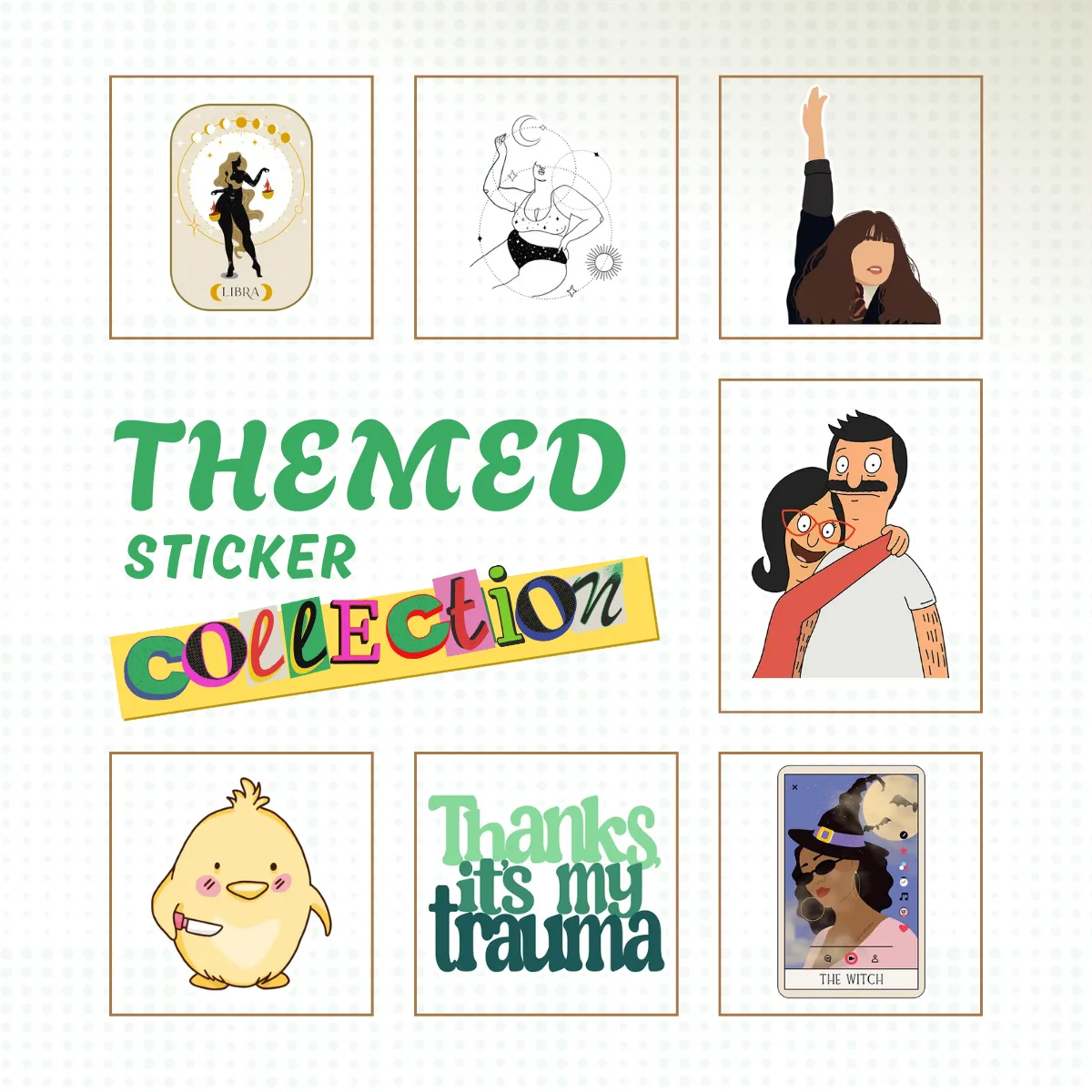
How to Build a Themed Sticker Collection That Actually Reflects Your Aesthetic?
You open your laptop and every sticker...

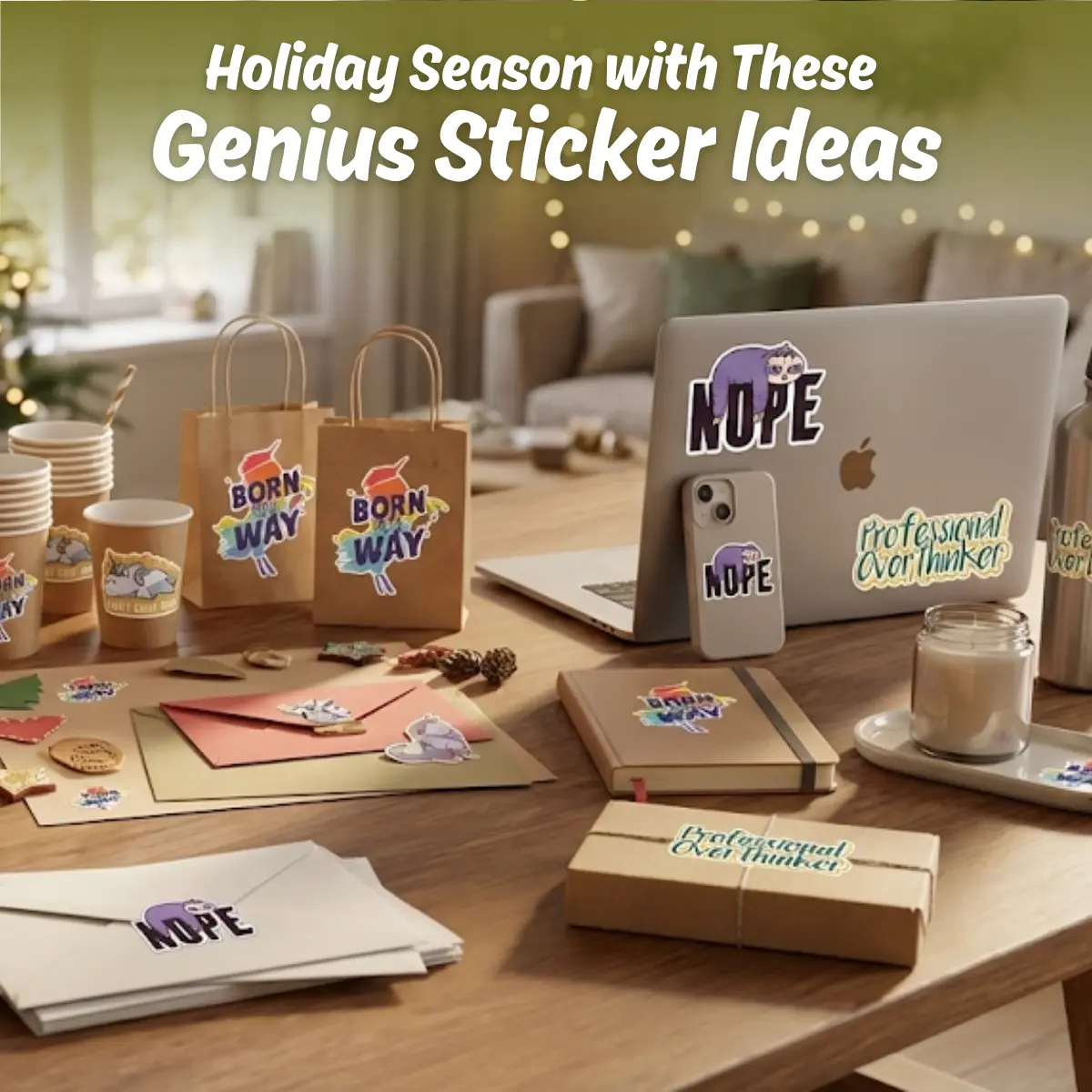
Transform Your Holiday Season with These Genius Sticker Ideas
The holiday season is officially here,...